
Remove the background from your image for free.


By uploading your image, you agree to the Renux Terms of Use and Privacy Policy.
How to remove the background of a picture.
Select
Choose an image where the subject has clear edges.
Remove
Upload your image to automatically remove the background.
Download
Download your new image as a transparent PNG.
Easily Remove Backgrounds with Zero Clicks
Renux comes to the rescue when you find yourself in need of swiftly isolating a person or object to seamlessly paste into another picture or remove the background from a photo.
You can achieve a flawless image clip without the requirement of any specific skills or professional software. Simply upload the image and let the AI do the work.
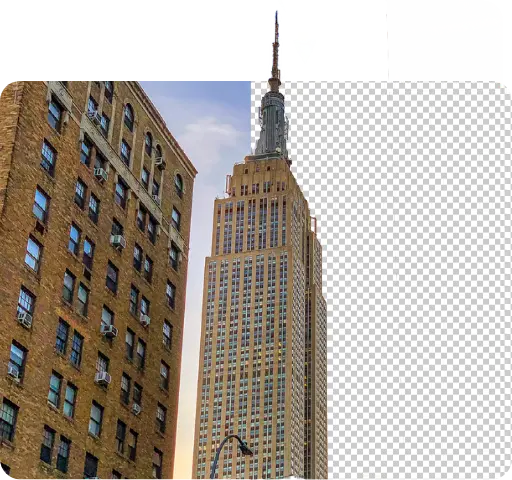

Clean cutouts on any device.
Whether you're on a desktop or using your mobile phone, Renux provides the best professional background removal tool without the heavy price tag.
- No software installation needed
- Works directly in your browser
- Zero data stored for privacy
Do more with your transparent images.
Once the background is gone, the possibilities are endless. Use your cutouts for marketing materials, profile pictures, or complex composite designs.

Frequently asked questions.
Everything you need to know about our background remover.